Qmee surveys: check declines, balance and cash-out options
Document-based research. This guide does not claim personal use or verified earnings. Read our disclosure.
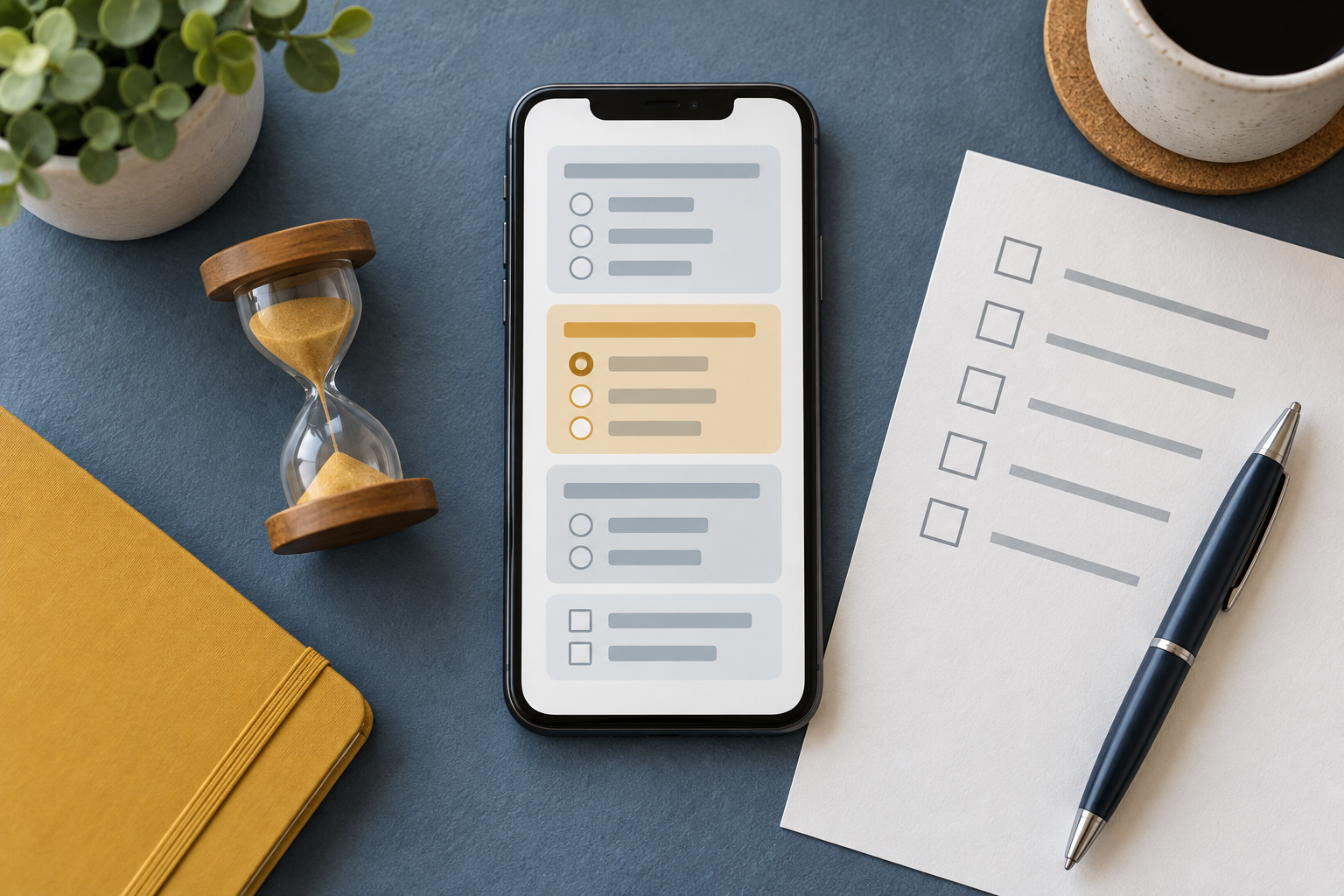
A survey invitation, a completed questionnaire and money in an account are different stages. Use Qmee’s help information to check a decline, review the balance and inspect the payout options available to your account.
In this guide
Start with the survey details
An invitation does not promise that every person will qualify. Review the topic, estimated time and reward shown for the individual survey before deciding whether it is worth starting. If the details are unclear, you can leave it and choose another activity.
Survey providers can ask screening questions to find a particular audience. Answer consistently and accurately; do not change personal details to fit an imagined target. A reward shown on an invitation is not a balance already earned.
Separate a decline from a completed reward
Qmee’s FAQ explains that a survey can decline a participant for several reasons, including screening and quotas. A decline can happen after questions have started, so the time spent and the final account credit are separate things.
If a survey ends unexpectedly, make a private note of the survey name, approximate time and the message shown. Avoid posting screenshots that expose account information. A short record helps identify the specific attempt if you contact support.
Check the account balance
After an eligible completion, look at the balance displayed in your own account. Do not treat an advertised survey reward, a pending screen or an email as proof that money has been credited. Allow for any status shown by the service and consult its help if the result remains unclear.
Keep expectations modest: availability, screening and rewards vary, and this guide does not estimate earnings. Compare the time you actually choose to spend against other options that matter to you.
Inspect the available cash-out method
Qmee’s U.S. FAQ describes cash-out options and says there is no minimum cash-out amount. Available methods and conditions can depend on the account and market, so check the current choices and requirements in your own account before relying on a particular method.
Confirm the destination details privately before initiating a payout. A balance in the service is different from a completed transfer to the destination. Check the status and seek help if the expected result does not appear.
Ask about a specific issue
For a missing reward or a cash-out question, use the support route in Qmee’s own help pages. Give the relevant survey or transaction details and the status shown, without sharing passwords or verification codes.
The official FAQ is the source for the general process here. No Qmee account, survey completion or transfer was tested for this guide; individual experiences and the available terms can change.
Frequently asked questions
Does an invitation guarantee a reward?
No. Screening, quotas and completion conditions can affect the outcome; check the account balance after the survey.
Is every payout method available everywhere?
Do not assume so. Check the methods and conditions shown for your own account and market.
Sources
- Qmee: frequently asked questions — accessed
How we prepare our guides: read our editorial standards.