Why survey sites disqualify you: credit and cash-out checks
Document-based research. This guide does not claim personal use or verified earnings. Read our disclosure.
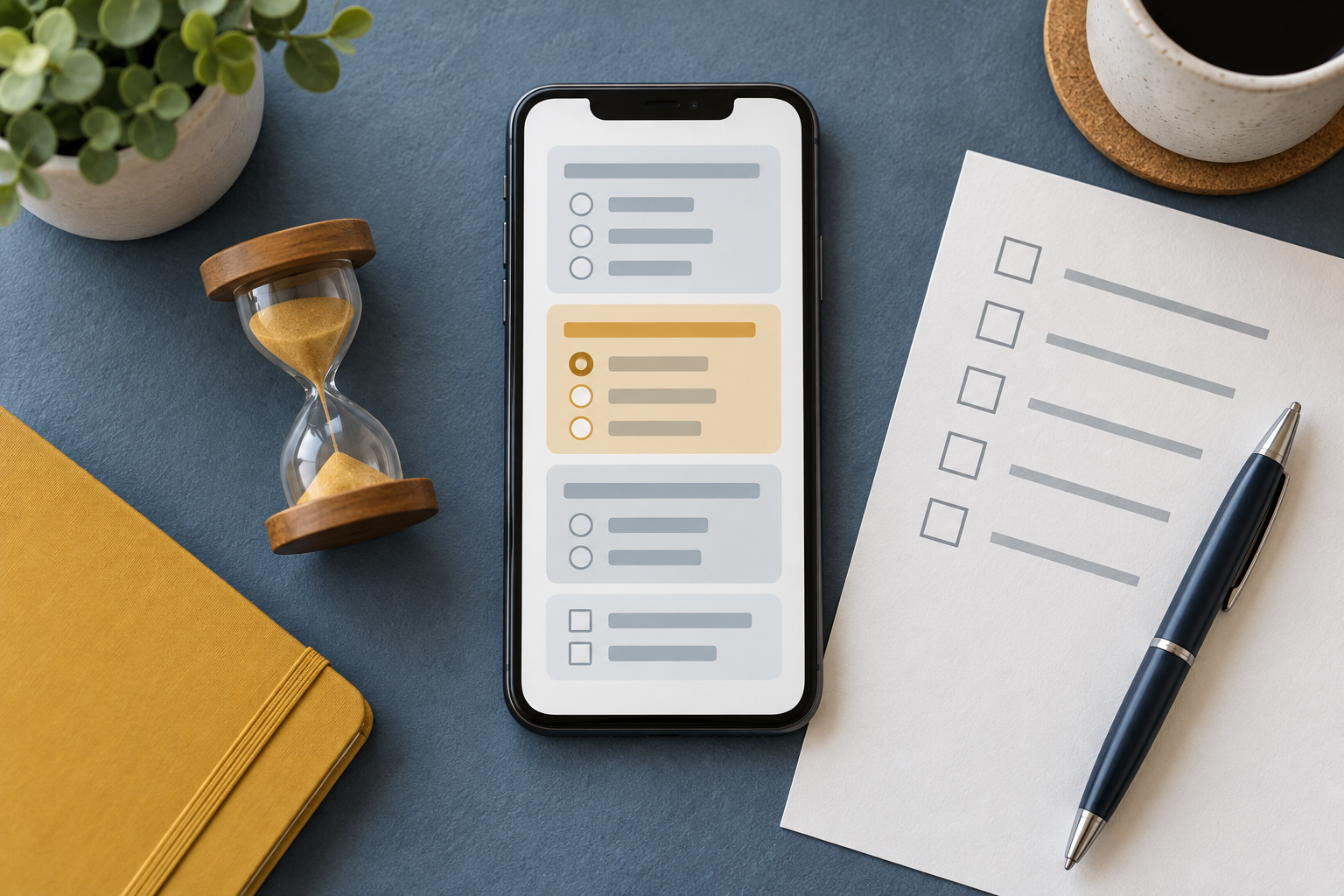
Survey disqualifications can reflect an audience mismatch, inconsistent answers or a quota filling while you work. First identify the message you received. Then separate unpaid screening time from completed work awaiting credit, and check the withdrawal rules before spending more time chasing a balance.
In this guide
- Start with the outcome, not the promised reward
- Why a survey can disqualify you
- Treat missing credit as a separate support question
- Check cash-out conditions before chasing a balance
- Compare the payment route, not just the threshold
- Choose the next action from the status you can prove
- Count screening time when deciding whether to continue
- What this guide checked
Start with the outcome, not the promised reward
A survey closes after several questions. That is frustrating, but the next useful step depends on what actually happened. A screening exit, a technical error and a completed survey with missing credit need different follow-up.
Write down the platform, survey ID if available, start time, time spent and the exact final message. Keep a private screenshot of the status page if the provider permits it. Do not publish confidential survey questions or your personal answers.
- Screened out or disqualified: record the time spent and the explanation shown. A full completion reward has not been established.
- Survey unavailable: note whether it happened before starting or during the session. Do not assume a broken account.
- Completion confirmed but credit missing: keep the completion reference and use the platform's missing-reward process.
- Browser error or broken page: record the error separately rather than describing it as a completed survey.
Why a survey can disqualify you
Swagbucks explains that a study may need a particular demographic group. It also checks for inconsistent responses, including answers to repeated questions. Being willing to answer does not mean you match the group a researcher needs.
TimeBucks gives another explanation: participant slots can fill in real time. Its help page describes a survey becoming unavailable, or ending during participation, when the response limit is reached. That explains a possible cause on its service; it does not prove why any particular survey ended.
Keep your profile accurate and read questions carefully. If a fact changes, update it truthfully through the platform's normal settings. Guessing the answer a researcher wants makes the data less useful and can create inconsistencies. There is no honest profile trick that guarantees qualification.
Treat missing credit as a separate support question
If the final page confirmed completion, start with the service's current crediting guidance. Check whether the reward is pending, whether the stated processing period has passed, and which transaction or activity record support asks for. Keep your description precise: what you saw, when you saw it and which reward was offered.
Swagbucks' missing-credit guide says some surveys disclose a delay of up to seven business days at the start. Check the message for your particular survey; this is not a waiting period for every platform. Keep the Survey ID and completion status so support can distinguish delayed credit from a screening exit.
Qmee's FAQ asks for the survey ID when reporting a problem. If it is unavailable, its fallback is the date and time plus the survey's category or name, if known. Use the provider's official support route and include relevant status evidence without publishing survey questions.
A useful support note is: 'Survey ID [reference], started [date and time], completion page shown at [time], offered reward [amount or points], current activity status [status]. Please check whether this completion was received.' Fill in only information you actually have. Do not send payment credentials or unrelated identity documents in an ordinary message.
Avoid repeating the same survey solely to force a credit. Keep the original reference and follow the platform's instructions. This guide does not establish that an individual completion is valid or that a payment is owed.
Check cash-out conditions before chasing a balance
Prolific separates pending study rewards from approved money available to withdraw. Its published threshold is a combined approved GBP/USD balance of £6/$6. Check the Balance page for those separate states before treating a completed study as cash you can request.
Its timing rule also depends on your payout history: the guide describes a 72-hour interval when you have made fewer than four cash-outs or recently changed your PayPal address, versus the general daily schedule. These are Prolific rules, not a reason to wait the same time on another site. A missing credit and a security wait require different follow-up.
That is an example of why one number is insufficient. The threshold does not establish that you can join from your country, that your payment account is eligible, or that all pending work will be approved. Prolific publishes country-related PayPal requirements on the same page. Check those against your own circumstances rather than borrowing another person's setup.
Before another session, find the current rules for your platform and country. If you cannot confirm a usable withdrawal method, pause new work until you can. A large advertised reward is of little practical use when you cannot receive it.
- Which balance counts toward withdrawal: approved, pending, bonus points, or a particular reward currency?
- What minimum applies to the payment method you can actually use?
- Are there verification requirements, country restrictions or security waiting periods?
- Are conversion charges or other fees disclosed, and where can you see the current terms?
Compare the payment route, not just the threshold
Two payment routes illustrate why the withdrawal method belongs in your comparison. SurveySavvy's own participation page says payment can be requested after accumulating more than US$1 in incentives, with payment made by a mailed US-dollar check. Check whether that route is practical for you before spending time earning a small balance.
Qmee's US-English FAQ describes cash rewards and says the service is available in the US, UK, Canada, Australia, France and Germany. It lists PayPal, Venmo and gift-card options, but you should check the option offered to your account rather than assume every method is available in every market.
These public terms answer different questions. SurveySavvy identifies a check-based payment route; Qmee identifies supported countries and redemption options. Prolific's separate rules explain approval and payout timing. None of these pages establishes how many surveys you will qualify for or how much you will earn.
- SurveySavvy: first check whether receiving and depositing a US-dollar check is practical in your circumstances.
- Qmee: first check whether your country is supported and your preferred withdrawal option is offered.
- Prolific: first separate pending work from approved rewards and review the PayPal conditions.
- Swagbucks: use the service's own eligibility and reward pages alongside its screening explanation; the latter alone does not establish a usable withdrawal option.
Choose the next action from the status you can prove
Use the final message and account activity together. If they disagree, report the disagreement; do not silently change a screening exit into a successful completion in your records. These are editorial triage steps, not promises that support will award a reward.
- Screened out, with no confirmed completion: log the time and any actual small credit separately. Do not count the advertised completion reward.
- Completion recorded within a disclosed crediting period: keep its reference and check activity after that period. Follow any provider-specific reporting deadline.
- Completion recorded but credit overdue, or status unclear: use the official missing-credit route with the reference, exact message and dates. Keep one case reference for follow-up.
- Approved balance but withdrawal unavailable: check payment method, verification and security waits. Pause new survey work if you cannot establish a usable route.
Count screening time when deciding whether to continue
Use a short session log instead of judging a platform by the best reward on its dashboard. Record total minutes, completed rewards, pending rewards and screening exits. Keep pending amounts separate so that a delayed or rejected reward cannot silently become earnings in your calculation.
Here is a hypothetical example, not a typical earnings claim: you spend 30 minutes in total, including unsuccessful attempts, and receive $1.50 in approved rewards. The approved-reward rate for that session is $1.50 ÷ 30 × 60 = $3 per hour. The advertised duration of the successful survey alone would miss the unpaid time.
Keep two totals: approved rewards for evaluating the session, and money actually received after any disclosed receiving costs. Do not mix pending rewards, gift-card face value and bank cash as though they were the same result. Record support time too if you are deciding whether the activity is worth repeating.
Use the same formula with your own records. Decide in advance how much time you are willing to spend checking a platform. If repeated sessions do not meet your own minimum, stop adding time simply because you are close to a withdrawal threshold. Existing approved funds still deserve a careful cash-out check, but their presence does not make future work worthwhile.
What this guide checked
This is a comparison of public provider guidance checked on October 25, 2026. We did not open participant accounts, complete surveys or request withdrawals for this article. Swagbucks and TimeBucks explain possible screening exits. SurveySavvy and Qmee illustrate different participation and payment conditions, while Prolific explains its own reward-approval and withdrawal process. Their rules are not interchangeable.
Recheck the official help page before acting, especially after a country move, a payment-account change or a provider update. For more earning options, use our Make money collection and compare the requirements before registering.
Frequently asked questions
Does being disqualified mean a survey site is a scam?
A screening exit alone does not establish that. Swagbucks describes demographic and consistency checks, while TimeBucks describes filling quotas. Assess the exact message and the provider's published rules; do not infer that every unexplained exit is legitimate either.
Should I change my answers to qualify?
Keep answers truthful. Update genuine profile changes through the normal settings, but do not invent circumstances to match a target group. Swagbucks explicitly identifies inconsistent responses as a reason for disqualification.
Does a pending balance count as cash I can withdraw?
Check the platform's rules. Prolific distinguishes pending rewards from approved balances. Other services may use different approval and withdrawal conditions.
Sources
- Swagbucks survey disqualification guidance — accessed
- TimeBucks survey disqualifications and availability — accessed
- Prolific cash-out guidance — accessed
- SurveySavvy: how it works — accessed
- Qmee: how it works and FAQ — accessed
- Swagbucks: completed survey with missing credit — accessed
How we prepare our guides: read our editorial standards.