YouGov U.S. surveys: check invitations, points and rewards
Document-based research. This guide does not claim personal use or verified earnings. Read our disclosure.
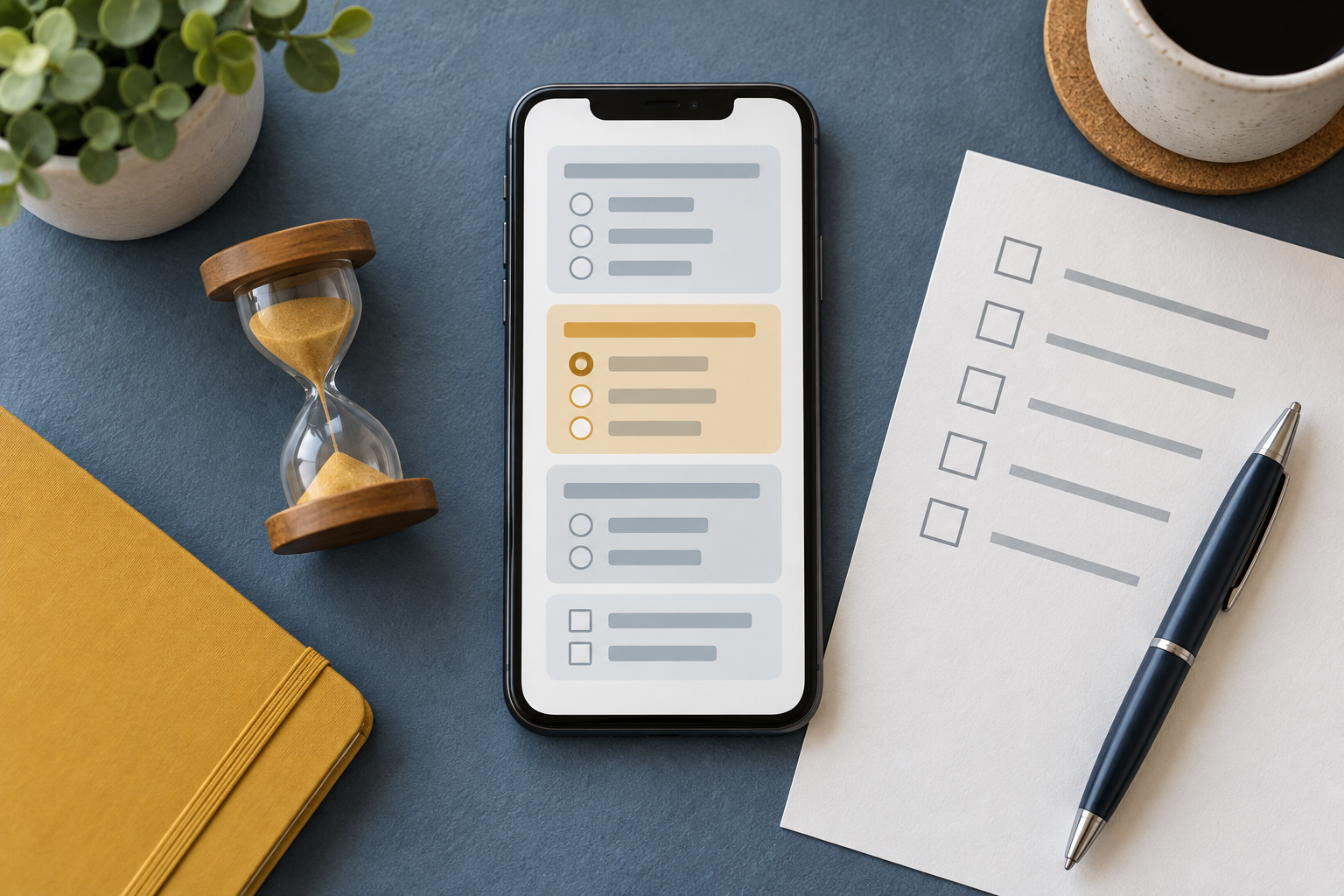
YouGov’s U.S. support page describes an introductory survey and several invitation channels. Check the survey details and your account balance before counting points or choosing a reward.
In this guide
Look for the introductory survey
YouGov’s U.S. support page says its first, introductory survey activates an account for subsequent survey invitations. Check the current instructions shown in your own account and complete the introductory survey if it is available and you choose to participate.
Signing up, receiving an invitation and completing a survey are separate steps. Registration alone does not establish how many surveys you will receive or how much you will earn.
Check the invitation channels
The U.S. help page identifies email, the YouGov app and the account dashboard as invitation channels. If expected messages are missing, it suggests checking your account email, notification settings and spam or junk folders.
Open account pages through the provider’s official site or app. Do not enter a password or one-time code through an unfamiliar message link. Invitation timing and availability can differ between members.
Read the individual survey details
Before starting, review the topic, estimated duration and reward if shown. Answer questions accurately and decide whether you are comfortable sharing the requested information. You may choose not to proceed with a particular survey.
An invitation does not mean the points are already in your balance. Keep the displayed conditions and the outcome of the particular survey distinct.
Compare points and available rewards
YouGov’s support page says completed surveys earn points that can be exchanged for available rewards once the required total is reached. Check your own balance, catalog and applicable redemption requirements.
A reward option can have its own conditions. Compare the destination and any geographic restrictions before confirming; do not assume every option is available in every country.
Ask about a specific missing result
If a completed survey or reward does not appear as expected, keep a private note of the survey, date and account status, then use the official support route. Avoid sharing survey answers or sensitive account information publicly.
This article summarizes YouGov’s U.S. help information. It does not report a tested account, completed survey, redemption or personal income.
Frequently asked questions
Does a survey invitation guarantee points?
An invitation is not an account credit. Check the survey conditions and your balance after completion.
Where might U.S. invitations appear?
YouGov lists email, its app and the account dashboard; check the current settings for your account.
Sources
- YouGov U.S. support: survey invitations — accessed
How we prepare our guides: read our editorial standards.