Home Depot price matching: compare exact product identifiers and keep shipping separate
Document-based research. This guide does not claim personal use or verified earnings. Read our disclosure.
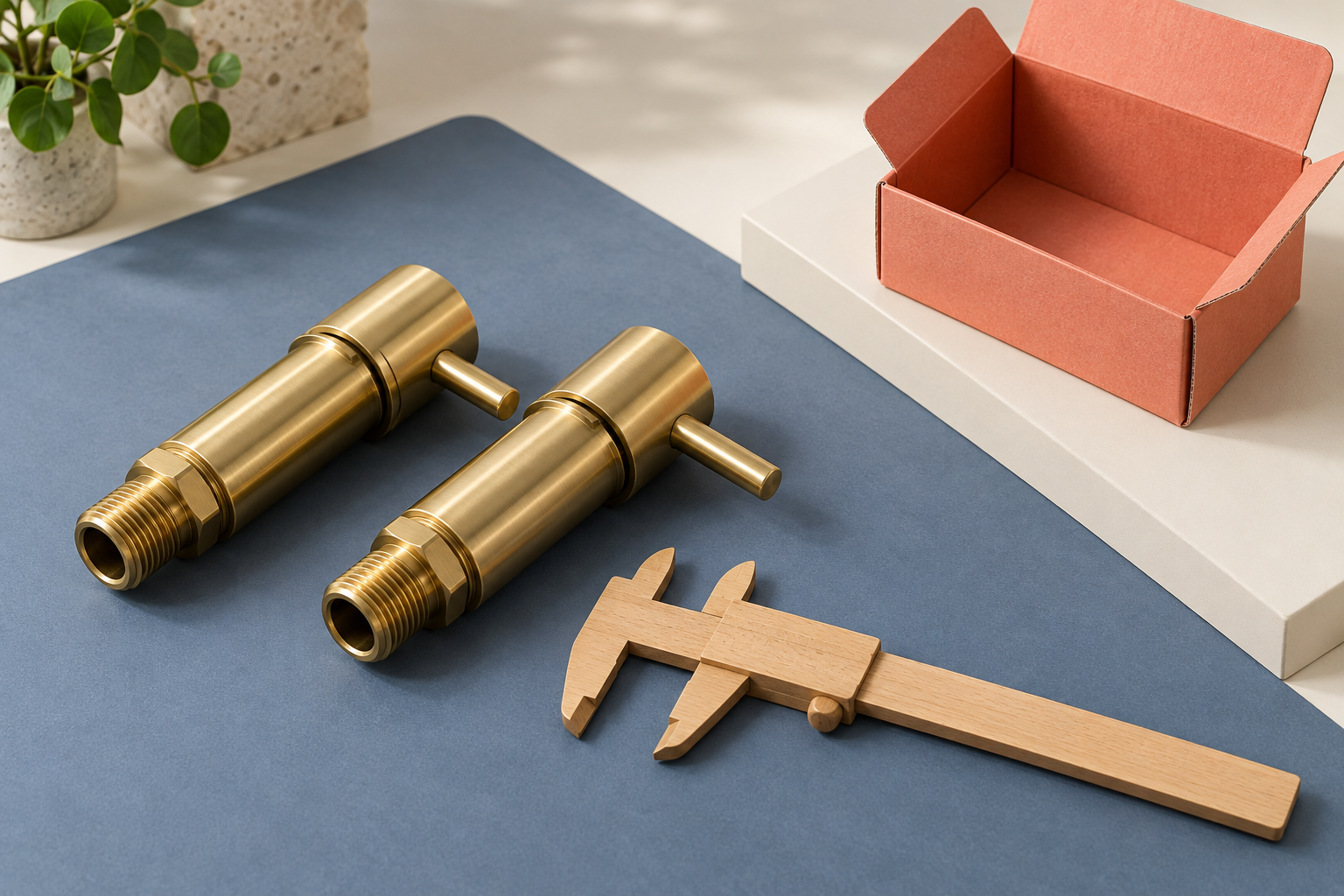
Before requesting a Home Depot price match, compare the exact product, named seller and availability for your location. Keep the item price separate from delivery or installation costs. The current official page excludes shipping and service costs from matching, which differs from older comparison advice. This guide has not checked a live basket, contacted support or obtained an adjustment.
In this guide
Put the two product identifiers next to each other
Start with the item you actually intend to buy. Keep its Home Depot SKU or Internet number beside the competitor’s product identifier and link. A broad product name is useful for searching, but it is a poor substitute for the exact item you want reviewed.
The official help asks for identical products, including the relevant model, brand, size and color or finish. It directs online shoppers to have the Home Depot identifier and the competitor’s identifying details ready for Customer Solutions.
Imagine two similar faucets pictured against white backgrounds. One has a different finish or model suffix. Before discussing a lower price, resolve that difference. A product could be an acceptable alternative for your project without being an identical item for a price-match request.
| Record or question | Useful next check |
|---|---|
| Home Depot SKU or Internet number | Identify the intended item rather than only its category. |
| Competitor model and finish | Check the details that distinguish similar products. |
| Named seller and stock | Inspect the actual seller and current availability. |
| Delivery or installation charge | Keep it outside the item-price match comparison. |
Check the seller and availability for the actual destination
Keep the named seller with the comparison link. The current help excludes third-party marketplace sellers and requires the product to be in stock and available to the customer’s location. A familiar marketplace website does not by itself establish the relevant seller.
For a personal comparison, record the location you used when checking availability without publishing your address. If the page is showing another store or delivery area, change the setting deliberately and read the resulting information again.
A hypothetical shopper might find a lower advertised price for an item that cannot be delivered to their area. That headline is not enough to establish a qualifying comparison. The next useful step is to confirm availability, not to assume that a screenshot overrides the location condition.
Keep item price and transport cost in different fields
The current official page says shipping, delivery and installation service costs are not included in price matching. Older comparison advice described shipping as part of an online match. This guide follows the current official wording checked on October 26, 2026.
Use separate fields for the product price and the actual additional costs relevant to your own purchase. You can compare the total amount you would spend as a buying decision, while still recognizing that the retailer’s matching policy concerns a narrower question.
For example, one offer may show a lower product price but an additional delivery charge. Another may have a higher product price and a different fulfilment option. Work from the current quoted amounts if you decide to compare them; this guide supplies no live figures and has not priced either basket.
Do not describe delivery savings as a price-match result unless you can establish what actually changed. A decision to collect an item yourself is also different from the retailer agreeing to match a service charge.
Read exclusions before choosing an inquiry route
The help lists exclusions including clearance, custom or special-order products, and certain promotions. A comparison that appears cheaper is not enough to establish that those conditions are satisfied. Read the current section relevant to the actual offer.
For an in-store purchase, the public instructions discuss presenting proof to the store. For an online request, they direct shoppers to Customer Solutions. Keep your question focused on the exact item and the lower current offer rather than asking for a general promise about a whole product category.
Prepare the two identifiers, the comparison link and the detail you want clarified. If the offer has changed since you noted it, record the change. Avoid editing an old screenshot to make it look current or leaving out a condition that affects the comparison.
This guide does not evaluate a contractor quote, a custom installation or a bulk pricing agreement. Those situations need their own current terms. It has not opened an authenticated chat, placed an order or submitted a request.
Use the actual answer to close the comparison
If you ask for a match, record the reference and the retailer’s response. A request sent for review is not an approval. If the reason for a denial is unclear, ask which identifier, availability condition or exclusion caused it before deciding what to do next.
If an approved change appears in a basket or receipt, check that the intended product remains selected. A lower amount attached to a different finish or package does not resolve the original comparison. For a later credit, distinguish approval from money actually returned.
The useful final record is small: product identifiers, seller, location condition, item prices, additional costs and observed decision. We have not verified a lowest price, promised an adjustment or measured refund speed. Choosing another suitable product or keeping the original purchase are ordinary decisions once the comparison is clear.
Frequently asked questions
Does the current price-match help include competitor shipping and installation charges?
No. The current official page says shipping and service costs are excluded. Check those costs separately when making your own buying decision.
Are two similar-looking models enough for a match?
No. Compare the exact model and other relevant specifications, including finish, as well as seller and availability conditions.
Sources
How we prepare our guides: read our editorial standards.
Related guides
- BeFrugal Shopping Trips: match the Click ID before an inquiry
- Best Buy price matching: check the seller and purchase channel first
- How to cancel a free trial and keep confirmation
- Capital One Shopping rewards: check gift-card redemption and verification
- CardCash payments: check whether your card is being bought or listed